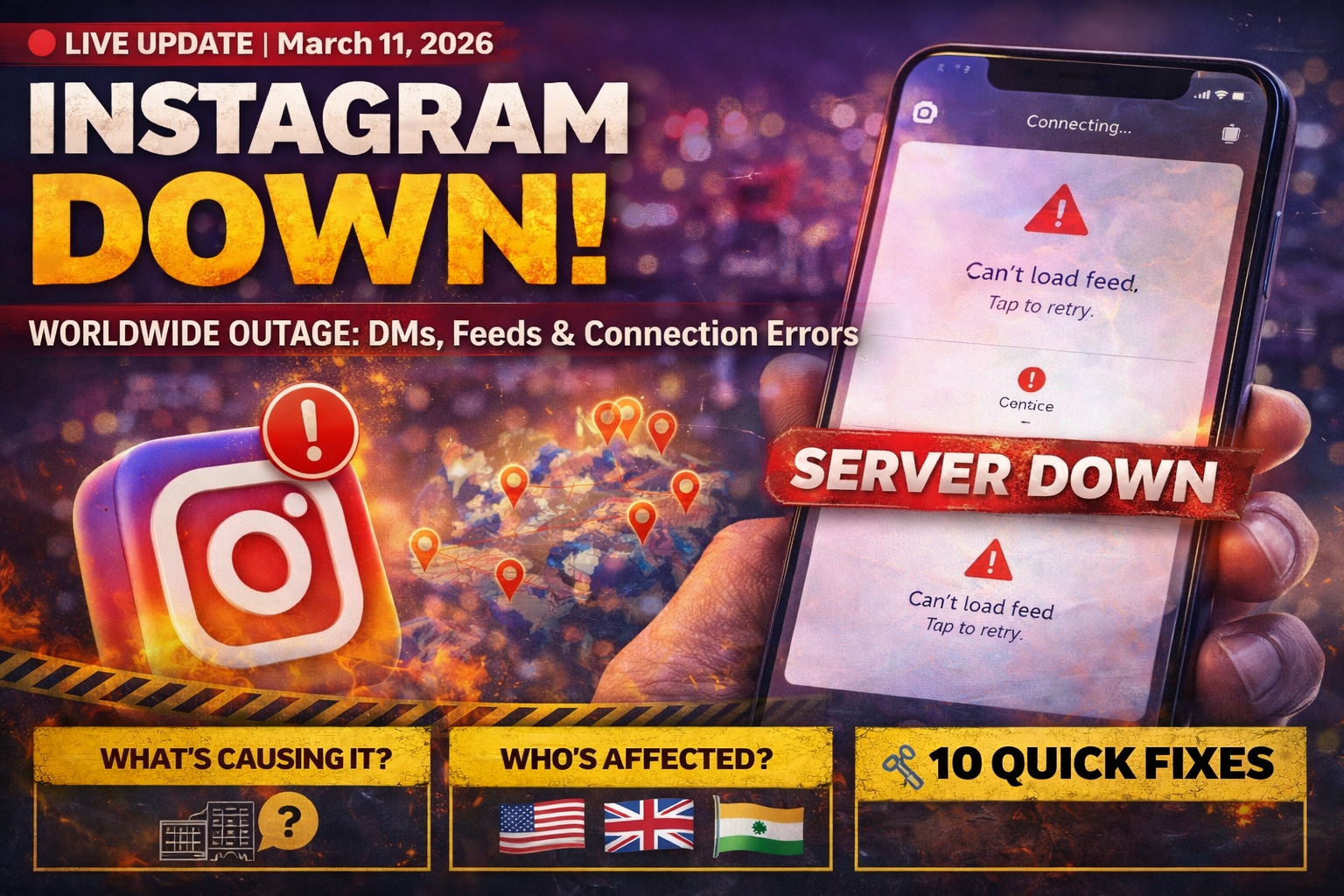
If you’re searching “Is Instagram down?” right now — you’re not alone, and yes, it is. Instagram is down today, March 11, 2026, with thousands of users worldwide reporting that Instagram messages are not working, DMs have gone blank, feeds aren’t loading, and the app is showing server connection errors.
The outage first spiked on the evening of March 10, 2026 and has continued into March 11, affecting users primarily in the United States, India, and the United Kingdom. This is the third Instagram disruption in the past week, following smaller outages reported on March 6 and March 8.
In this post, we cover the latest Instagram outage status, what’s causing the Instagram server down issue, who’s affected, and — most importantly — 10 quick fixes to get your Instagram messages working again.
- Is Instagram Down Right Now?
- Instagram Outage Details: March 10–11, 2026
- Why Are Instagram Messages Not Working?
- Who Is Affected & Where?
- Has Meta / Instagram Responded?
- Instagram Glitch History in March 2026
- 10 Fixes: How to Get Instagram Messages Working Again
- How to Check If Instagram Is Down
- Frequently Asked Questions
🔴 Is Instagram Down Right Now? (March 11, 2026)
Yes — Instagram is down today for a significant number of users. Based on live tracking from Downdetector India, outage reports have spiked sharply since the morning of March 11, 2026, with hundreds of reports logged by 9:35 AM IST alone. The peak of the outage on March 10 saw over 12,000 reports globally on Downdetector.
| Platform / Feature | Status (March 11, 2026) |
|---|---|
| Instagram Direct Messages (DMs) | 🔴 Not Working / Blank |
| Instagram Feed / Reels | 🟠 Partial Issues |
| Instagram Stories | 🟠 Loading slowly for some |
| Instagram App (Mobile) | 🔴 81% of reports cite app issues |
| Instagram Website (Desktop) | 🟡 Partially accessible |
| Server Connection | 🔴 18% report connection failures |
| Facebook & WhatsApp (Meta) | ✅ Working normally |
For live status updates, check Downdetector India or IsDown.app — both track Instagram outages in real time.
📊 Instagram Outage Details: March 10–11, 2026
According to India TV News, the outage impacted a large number of users in the US, with approximately 10,725 reports recorded from the region at the peak. In India, 252 users reported difficulties accessing the platform, and about 135 users in the United Kingdom reported similar problems.
At its absolute peak, according to Yahoo Finance / The Independent, over 12,000 users reported issues with the platform, with nearly three-quarters of the complaints registered by Instagram app users. The outage tracking site Downdetector flagged the incident because the number of problem reports was significantly higher than the daily baseline.
The cities providing the highest number of reports were Los Angeles, Chicago, Phoenix, New York, and Washington D.C. In India, reports were concentrated in metros and tech hubs.
- March 10, ~11:15 PM EST: First major spike in Downdetector reports — DMs going dark in the US
- March 10, peak: 12,000+ global complaints logged
- March 11, 8:00 AM IST: Reports emerge in India — DM inbox appearing blank
- March 11, 9:35 AM IST: 600+ incident reports logged on Downdetector India
- March 11 (ongoing): Outage continues; no official resolution confirmed
💬 Why Are Instagram Messages Not Working Today?
The primary issue in this Instagram outage is centered on the Direct Messages (DM) system. As reported by PiunikaWeb, users in different parts of the world are reporting that their DMs page is loading up completely blank. Some are stuck seeing a “failed to load earlier messages” error, while others say recent chats have vanished without any clear reason.
A Reddit thread on the issue picked up over 140 upvotes in under an hour, with dozens of users confirming they’re seeing the same blank inbox. The specific issues being reported include:
- Instagram DM inbox appearing blank — entire message history gone
- “Failed to load earlier messages” error on opening conversations
- Unable to send new messages — messages stuck with a grey pending circle
- Unable to scroll up in existing conversations
- Chat themes have disappeared
- Search tool inside the messages tab not responding
- Server connection errors affecting feed and profile pages
According to Art Threat, the Instagram glitch today appears to be a systemic failure within the platform’s messaging infrastructure — not a device-level issue. This means restarting your phone or reinstalling the app is unlikely to fix it for most users.
🌍 Who Is Affected & Where?
The Instagram server down issue is affecting users globally, though the scale differs by region:
- United States: Hardest hit — 10,725+ reports. Cities: LA, Chicago, Phoenix, New York, Washington D.C.
- India: 1,300+ reports at peak (March 11 morning). 77% of Indian users cited app access issues, 13% the website, and 11% server connection problems.
- United Kingdom: 135+ reports. Users in the UK reported inability to send messages and load chat history.
- Worldwide: Reports from Canada, Australia, and parts of Europe logged on Downdetector.
Notably, Facebook and WhatsApp — Instagram’s sister apps under Meta — are working normally, confirming the issue is isolated to Instagram’s infrastructure.
📢 Has Meta / Instagram Officially Responded?
Instagram issued a brief public acknowledgement of the problem. The official statement read:
“We are aware some of you might be experiencing issues with IG at the moment. We’re working to get things back to normal as quickly as possible.”
Beyond this, Meta has not provided a detailed explanation of the root cause. According to Upstox News, Instagram’s parent company Meta Platforms has yet to issue a full response to the outage reports as of this writing — this is a developing situation.
You can monitor Instagram’s official status on IsDown.app, which monitors Meta’s official status page every few minutes for real-time updates.
📅 Instagram Glitch History in March 2026 — A Pattern?
This is not an isolated incident. Instagram has gone down multiple times this month alone, raising serious questions about Meta’s infrastructure reliability:
- March 1, 2026: Users reported messaging failures and login errors in the US
- March 3, 2026: Messages not delivering for some users in the US
- March 6, 2026: Outage spike at 1:00 PM Eastern — reported on DesignTAXI
- March 8, 2026: Another disruption starting 2:00 PM Eastern — reported on DesignTAXI
- March 10–11, 2026: Largest outage of the month — 12,000+ reports globally, DMs, feed, and server connections all affected
As noted by Art Threat, the scale and frequency of this month’s outages raises questions about server redundancy, backup systems, and disaster recovery protocols at Meta’s data centers.
According to IsDown, when Instagram goes down, incidents typically resolve within 42 minutes. However, the current outage has persisted significantly longer.
🔧 10 Fixes: How to Get Instagram Messages Working Again
While this Instagram glitch today is largely a server-side problem, there are still steps worth trying on your end. Here are 10 proven fixes, in order of what’s most likely to help:
Fix 1: Check If Instagram Is Actually Down
Before troubleshooting your device, confirm it’s a platform-wide issue. Visit Downdetector India or IsDown.app to see live outage reports. If hundreds of others are reporting the same issue, it’s on Instagram’s end and no device fix will help until the servers are restored.
Fix 2: Force Close & Restart Instagram
As suggested by Spur’s DM troubleshooting guide, Instagram can glitch after running in the background for a long time. Force-close the app and reopen it.
- iPhone: Swipe up from the bottom → find Instagram → swipe it off the screen
- Android: Press the recent apps button → swipe away Instagram
Fix 3: Check Your Internet Connection
Switch between Wi-Fi and mobile data to rule out a connectivity issue on your end. A weak connection can prevent DMs from loading even when Instagram’s servers are partially functional. Try opening Instagram on a different network if possible.
Fix 4: Clear Instagram Cache (Android)
According to Cashify’s troubleshooting guide, clearing cache removes corrupted temporary files that can prevent DMs from loading:
- Go to Settings → Apps → Instagram → Storage → Clear Cache
- This does NOT delete your photos, messages, or account data
iPhone users: There’s no direct cache clearing option — instead, offload the app via Settings → General → iPhone Storage → Instagram → Offload App, then reinstall.
Fix 5: Update the Instagram App
As highlighted by Beebom, using an outdated version of Instagram is a common cause of DM glitches. Instagram releases bug fixes almost every week. Open the App Store (iPhone) or Google Play Store (Android), search for Instagram, and hit Update if available.
Fix 6: Log Out & Log Back In
According to InstantDM’s 2026 fix guide, logging out and back in refreshes your session tokens — essentially telling Instagram’s servers “I’m here, give me my data.” This is particularly useful when your inbox looks empty even though you know you have messages.
Go to Profile → Menu (☰) → Settings and Privacy → Log Out, then log back in.
Fix 7: Try Instagram on Web Browser
If the app isn’t working, try accessing Instagram via instagram.com on a browser (Chrome, Safari, Firefox). As noted by SocialBoosting, Instagram Web supports DMs including text, emoji, and media — and the web version sometimes works even when the app is affected.
Fix 8: Check for a Vanish Mode Glitch
If your messages appear to vanish after being sent, you or the other person may have accidentally enabled Vanish Mode. As explained by PathSocial, Vanish Mode makes messages auto-delete after being seen. To turn it off, open the affected chat and swipe up — you should see the option to turn off Vanish Mode.
Fix 9: Reinstall Instagram
If none of the above steps work, a clean reinstall can resolve deeper app-level issues. However, note that as PiunikaWeb reports, several users in the current outage have tried reinstalling and it hasn’t helped — suggesting the issue is entirely on Instagram’s server side.
Fix 10: Wait It Out & Report to Instagram
If this is a confirmed server outage, the only real fix is time. You can report the issue to Instagram via Profile → Menu → Settings → Help → Report a Problem. According to Online Social Media Tips, Instagram typically resolves DM outages within a few hours once engineers identify the root cause.
📡 How to Check If Instagram Is Down in Real Time
Not sure if it’s just you or everyone? Here are the most reliable ways to check Instagram’s live server status:
- 🔗 Downdetector India — User-submitted outage reports with live heat maps. Best for checking if India-specific issues are reported.
- 🔗 IsDown.app — Monitors Instagram’s official status page every few minutes. More reliable than user reports alone.
- 🔗 X (formerly Twitter) — Search #InstagramDown or “Instagram DMs” to see real-time complaints. When Instagram goes down, it trends within minutes.
- 🔗 Instagram Web — Try loading Instagram in a browser. If the website works but the app doesn’t, it’s an app-specific issue.
❓ Frequently Asked Questions — Instagram Down Today
Is Instagram down today, March 11, 2026?
Yes, Instagram is down today. The outage began on March 10, 2026 and has continued into March 11. Over 12,000 users globally reported issues at the peak, primarily centred on Instagram Direct Messages not working, blank DM inboxes, and server connection failures.
Why are Instagram messages not working?
The Instagram messages not working issue on March 11, 2026 is caused by a server-side failure in Instagram’s Direct Messaging infrastructure. Users are seeing blank inboxes, “failed to load earlier messages” errors, and messages getting stuck without sending. This is a platform-wide issue, not a device problem.
Is it just me or is Instagram down for everyone?
Based on Downdetector data, the current outage is affecting thousands of users globally — it is not just you. Check Downdetector India for the latest count of affected users in your region.
Why does Instagram keep going down in March 2026?
Instagram has experienced multiple outages in March 2026 — on March 1, 3, 6, 8, and now March 10–11. The cause of each individual incident has not been fully disclosed by Meta. Industry observers suggest the frequency indicates potential issues with infrastructure scaling or backend server upgrades at Meta’s data centers.
Is the Instagram glitch affecting India?
Yes. According to India TV News, in India 77% of users reported issues accessing the app, 13% faced problems with the website, and 11% experienced server connection issues during the March 11 outage.
What should I do if my Instagram DMs are not working?
First, confirm it’s a platform-wide outage on Downdetector. If it is, waiting is the most effective solution. You can also try: force-closing the app, clearing cache (Android), switching to Instagram Web, or logging out and back in. Full details in our 10 Fixes section above.
Are Facebook and WhatsApp also down?
No — Facebook and WhatsApp are working normally. The current outage is isolated to Instagram’s servers. Other Meta platforms are unaffected.
How long does an Instagram outage usually last?
According to IsDown, Instagram outages typically resolve within 42 minutes. However, the current March 10–11 outage has exceeded that average. Larger, more complex infrastructure issues can take several hours to fully resolve.
🔔 Stay Updated
We are tracking this Instagram down today situation in real time. Bookmark this page and refresh for the latest updates as Meta works to restore service.
If Instagram messages are still not working for you after trying the fixes above, the best course of action is to be patient — this is a server-side issue and no device-level fix will resolve it until Meta restores their messaging infrastructure.
📍 Instagram DMs: Not working for thousands
📍 Peak reports: 12,000+ globally on Downdetector
📍 Most affected: USA, India, UK
📍 Facebook/WhatsApp: Working normally
📍 Official Meta response: Acknowledged, fix in progress
📍 Check live status: Downdetector India →
Bookmark LifeHackHub for more such updates
Leave a Reply